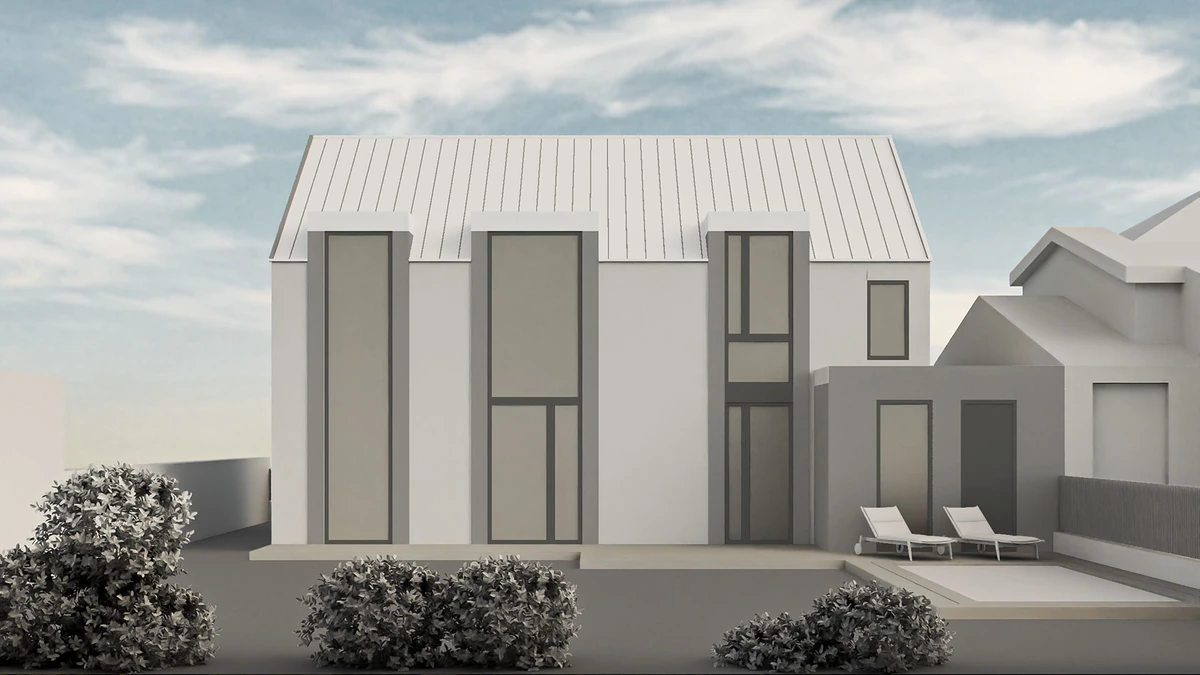
Rendero and Archmaster at a glance
Archmaster's public product and pricing pages describe interior AI design (living rooms, bedrooms, bathrooms, kitchens), exterior and facade design, sketch-to-render, an AI render enhancer for upscaling, inpainting-based edit and modify, and architecture AI video generation, alongside free utilities like a room size calculator and a renovation cost estimator. The subscription renews weekly with credits for rendering and editing.
| Decision | Rendero | Archmaster |
|---|---|---|
| Input | An architectural image and a specific area to revise, such as a wall finish or planting bed. | Room or facade photos and sketches |
| Editing workflow | Select a scene region, then guide the change with the prompt and reference controls supported by your chosen engine. | Style presets, an upscale/sharpen enhancer, and inpainting-based edits |
| Pricing model | Plan-based credits, see current pricing | Weekly subscription: $9.99 for 30 credits |
| Design review | Inspect the selected boundary before rendering and compare nearby details afterward. A selection guides the edit; openings and adjacent surfaces can still change. | Compare the generated image with the source design |
Inspect a published selection screenshot
How credits work
Free accounts receive 50 starting credits once at signup. These credits do not refill each month.
Rendering charges vary with the model, resolution and, for some engines, processing time. Upscaling uses additional credits. The app shows your remaining balance.
Allow for retries and edits when planning a project. A credit balance does not represent a fixed number of finished images.
Photos, sketches and selected-area edits
Archmaster's product page describes interior and exterior redesigns, sketch-to-image, an upscale enhancer and targeted inpainting. Its photo workflow starts with a room or building image and a style preset. The inpainting route lets you change a selected part of an existing render. See Archmaster's input and editing options.
In Rendero, you can start with a sketch, clay render, exported model view or existing visual, then select a scene segment for refinement. A reference image can guide the material or appearance. For a facade study, inspect the selection around windows and adjoining finishes before requesting a change. See our segment review guide.
What the weekly credits cover
Archmaster's pricing page lists $9.99 per week with 30 credits renewed each week. A generation, upscale or edit uses one credit; multi-view generation uses three and architecture video uses five. These are different actions within a renewing subscription.
Compare the billing period as well as the headline price. A Rendero paid plan is priced per person per month, and available engines and resolutions depend on the plan. Check your account's options and the current plans before estimating how many versions a project will need.
For either product, review the generated facade against the source image. A local selection can help target an edit, but openings, proportions and material boundaries can still change.