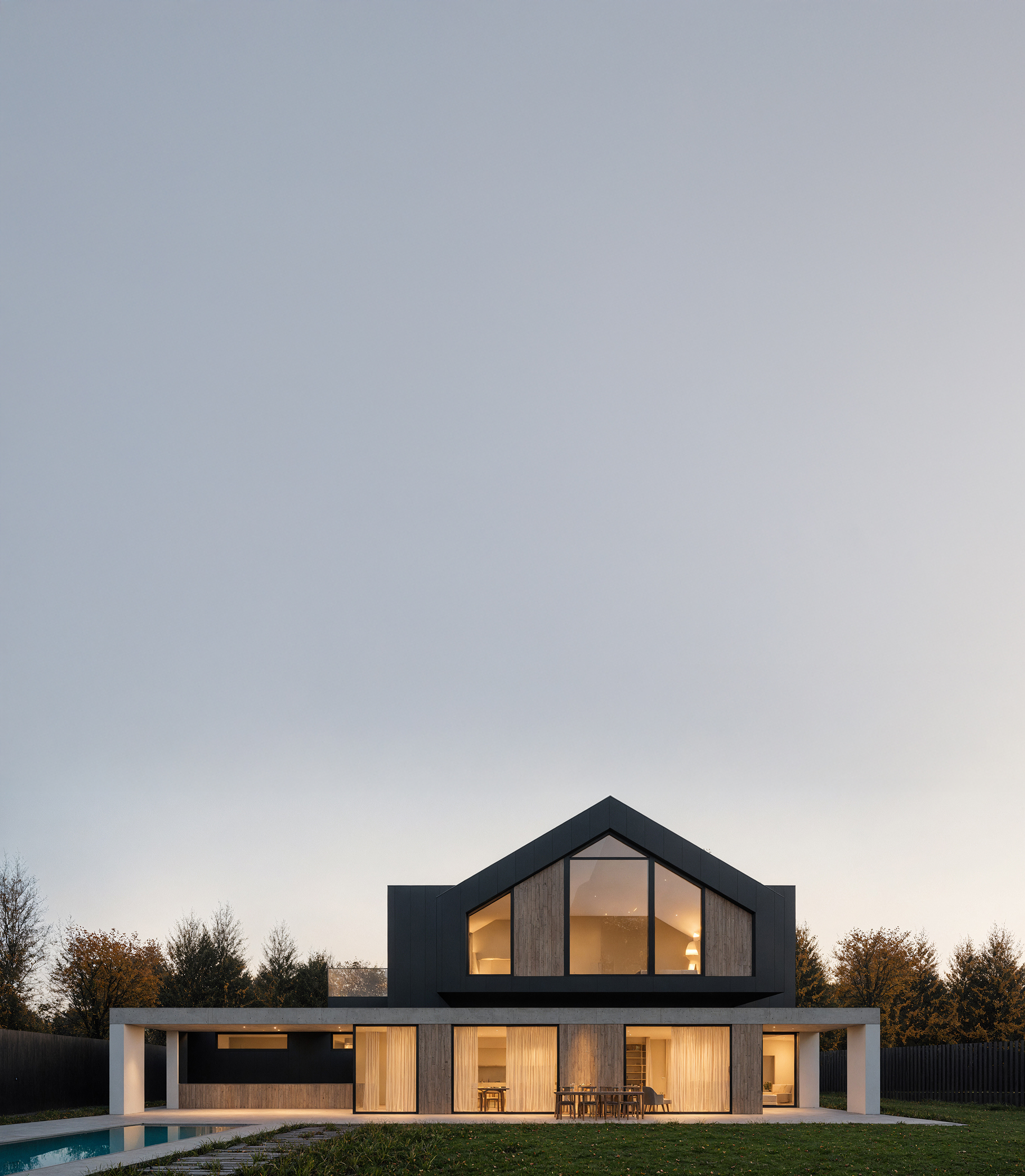
AI can generate impressive architectural visuals, but a beautiful image is not automatically a good architectural image. A useful result must preserve the geometry, proportions, material logic, scale, and original design intent.
Creative control does not come from writing one perfect prompt. It comes from building a workflow in which the model clearly understands what it may change and what must remain untouched.
Why AI rendering can feel unpredictable
Most AI models interpret an image as a whole. When asked to make a render more realistic, they may also redesign parts of the architecture that were already correct.
A window can become larger. A facade grid can shift. A roof edge can disappear. Vegetation may cover the entrance, furniture may change scale, and materials may spread into areas where they do not belong.
These changes can make an image visually attractive while making the architecture less accurate.
The solution is not to remove creativity from the process. It is to give that creativity clear boundaries.
Control starts with the right base image
The input image defines how much the model needs to invent.
A clear clay render, viewport image, material preview, model view, reference image, or mask gives the AI useful spatial information. The more clearly the architecture is communicated, the less room there is for misunderstanding.
Before rendering, check that the base image already contains:
- The correct camera and composition
- Readable architectural geometry
- Clear openings and facade divisions
- Understandable depth and scale
- A consistent lighting direction
- Enough resolution for important details
AI should improve the presentation of the design, not guess what the design is supposed to be.
Use references to communicate visual intent
Prompts describe an idea with words. Reference images communicate atmosphere, materials, lighting, and visual character more directly.
A reference can help define warm evening light, natural stone, soft landscaping, editorial photography, restrained interiors, or a specific level of realism.
The strongest workflow combines both. The base image communicates the architecture. The reference communicates the desired visual direction. The prompt explains how the two should work together.
Write prompts as design instructions
Architectural prompts work best when they describe priorities rather than simply asking for a beautiful image.
Instead of writing: "Make this image more realistic and cinematic."
Use a more structured instruction: "Preserve the existing camera, geometry, facade divisions, and window proportions. Improve the realism of the timber and concrete materials. Add soft overcast daylight and subtle vegetation without covering the entrance."
A useful prompt should explain:
- What must stay unchanged
- What should be improved
- Which materials or areas matter most
- What kind of atmosphere is intended
- What the model must not add or redesign
This makes the prompt closer to a design brief than a visual wish.
Segments give every instruction a clear place
Even a detailed prompt may still affect the entire image. Segments make the workflow more precise by dividing the render into independently editable areas.
The facade, windows, roof, sky, greenery, furniture, pavement, and interior lighting can each receive a different instruction.
You can test a new facade material without changing the windows. You can improve the landscape without redesigning the building. You can add a warm interior glow while preserving the daylight conditions outside.
The rest of the render remains stable, so every iteration has a clear purpose.
Work from large decisions to small details
Trying to solve the entire image at once often creates unnecessary variation.
A more controlled process moves gradually:
- Establish the composition and overall atmosphere.
- Refine the main architectural materials.
- Adjust landscape, furniture, and secondary elements.
- Improve lighting and local details.
- Correct only the remaining problematic areas.
This creates a visible decision history. It is easier to compare versions, explain changes to colleagues, and return to an earlier direction when needed.
Iterate locally instead of regenerating everything
When only one part of an image is wrong, there is no reason to reopen every other decision.
Global regeneration can fix one problem while creating several new ones. A corrected facade may produce different windows. Improved vegetation may change the paving. Better lighting may alter the shape of the roof.
Local iteration keeps approved parts of the image stable.
This makes the process faster, but more importantly, it makes it understandable. Each version answers a specific design question instead of producing an entirely new interpretation.
Choose the model according to the task
Different AI models respond differently to geometry, prompts, references, and local edits.
One model may be useful for generating fast visual directions. Another may preserve the input more reliably. A more advanced model may be better for final materials, lighting, or complex instructions.
Creative control also means choosing the right engine for the current stage of the process rather than using one model for every task.
Rendero allows you to compare different AI models within one workflow and select the level of speed, flexibility, and precision that the image requires.
Review the result as an architect
AI output should not be approved only because it looks realistic.
Before using an image, check:
- Are the openings still in the correct position?
- Are the dimensions and proportions believable?
- Do materials connect logically?
- Is the entrance still readable?
- Does the furniture match the scale of the space?
- Is the lighting consistent with the architecture?
- Has the AI added anything that changes the design?
The final decision should always remain with the designer.
AI should support decisions, not replace them
Creative control does not mean limiting experimentation. It means separating intentional exploration from accidental change.
References establish direction. Prompts define priorities. Segments isolate individual decisions. Local iterations protect the parts that already work. Model selection gives each stage the appropriate tool.
Together, these elements turn AI rendering from an unpredictable image generator into a practical architectural workflow.
Main claim: Creative control in AI rendering comes from defining what may change and protecting what must remain consistent.
Keep your architecture. Improve the image.
Use references, advanced AI models, and precise Segments to refine your render without losing the original design intent.
Try controlled AI rendering with Rendero.