By Rendero | Development update, 8 September 2026
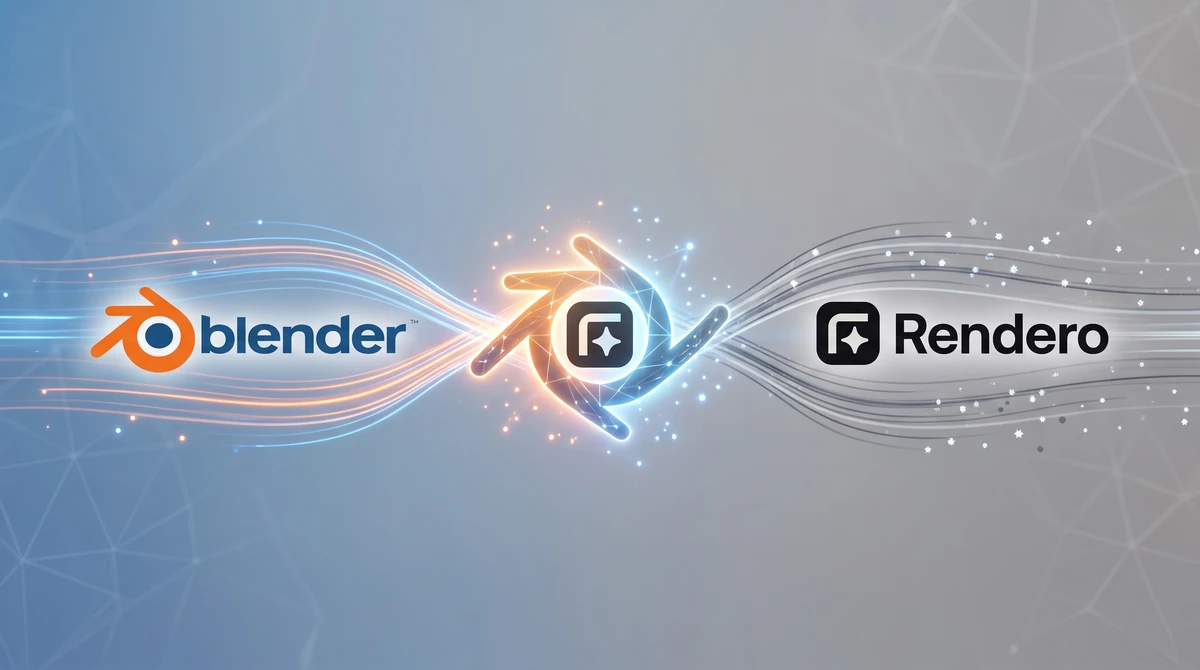
The diagram above shows the intended workflow. It is a product concept, not a recording of a live generation. Public AI generation, account connection and a supported-version list are still part of the release work.
The planned workflow
- Prepare the model, camera and composition in Blender, then create a Render Result.
- Describe the material or atmosphere change in the proposed Rendero sidebar.
- Send the image for processing and show its progress.
- Open the returned image in Blender's Image Editor beside the original for review.
The aim is to keep source and result close enough to compare during a material study or presentation revision. An image edit would not update the geometry, shaders or lights in the Blender scene. Any accepted design change would still need to be applied there.
What remains to be confirmed
A public release needs a working account and generation connection, clear credit information, error handling and installation instructions. Compatibility also needs a dated test record for each supported Blender version. We are not publishing a tested-version claim or release date here.
For an architectural test, the useful evidence would be the original Render Result, the requested edit, the returned image and the review decision. Window positions, facade divisions and furniture scale should be checked against the source before the output is used.
You can use the image-review checklist for that comparison. Leave your details below to receive the early-access announcement when a test version is available.
Be among the first to try Rendero inside Blender
Leave your details and we will let you know when the first test version is ready.